




















-logo-cat-logo.webp "Custom Resolution Utility (CRU) logo")
Introduction
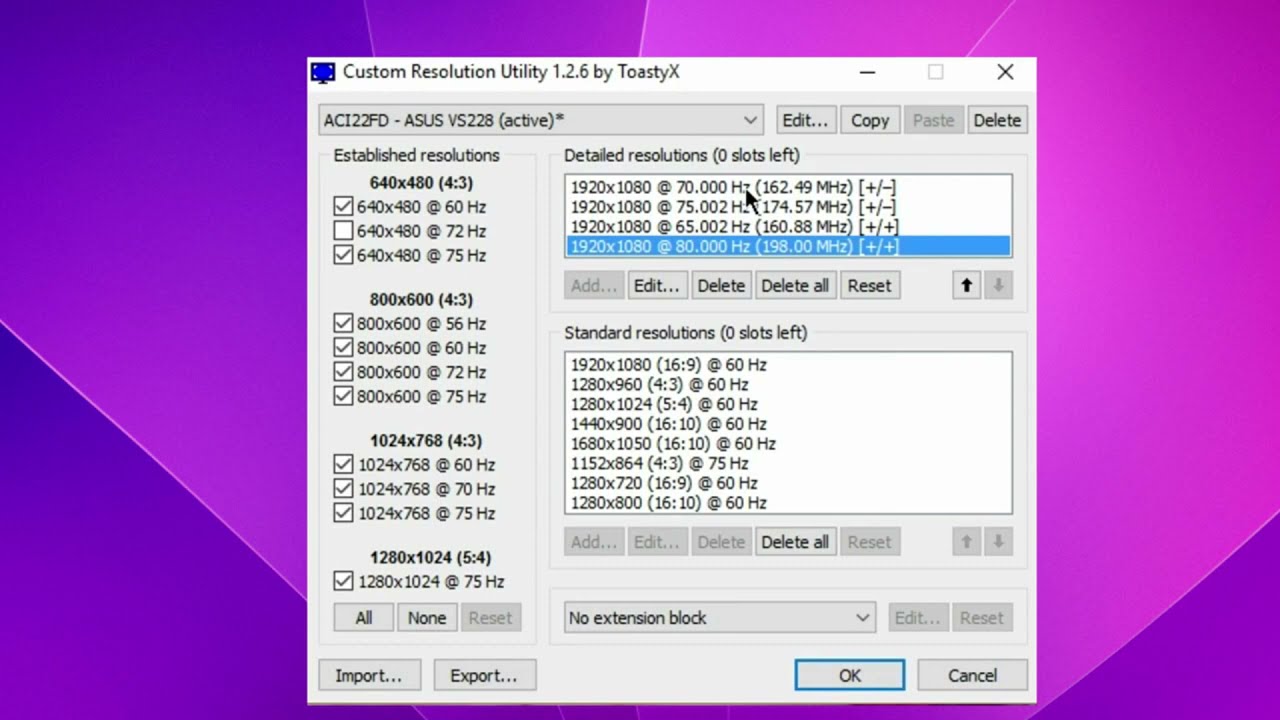
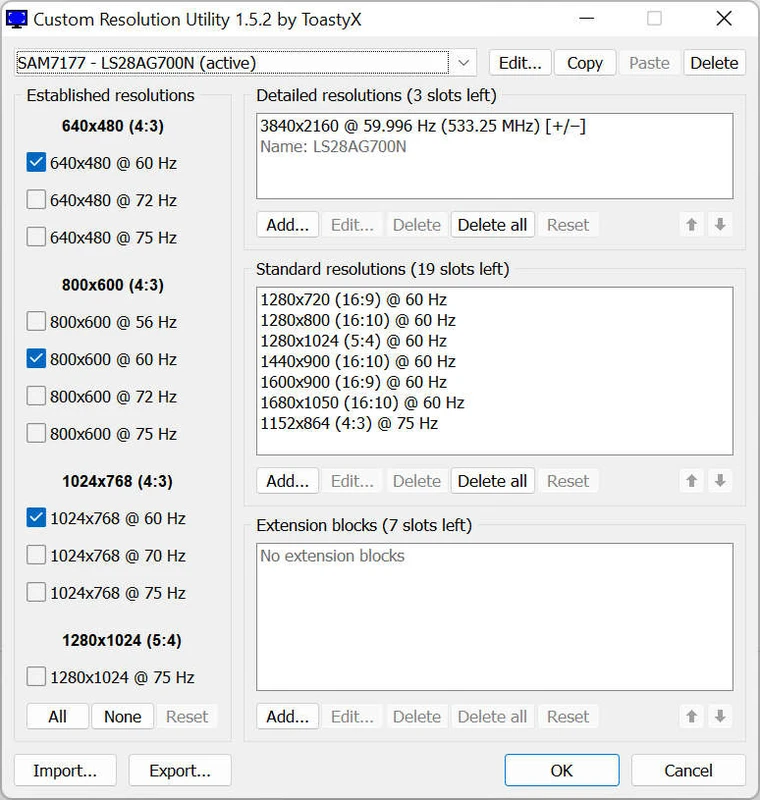
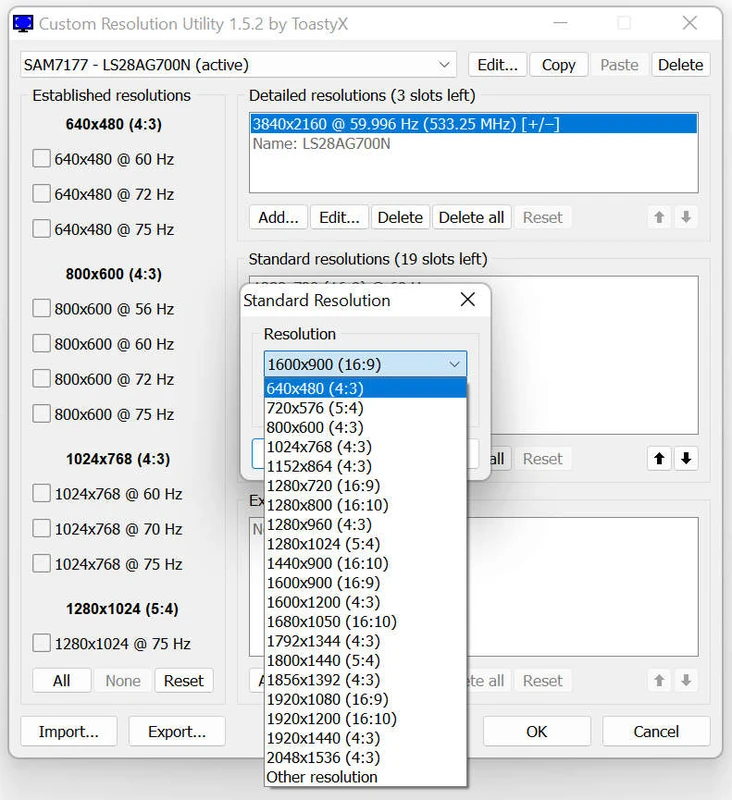
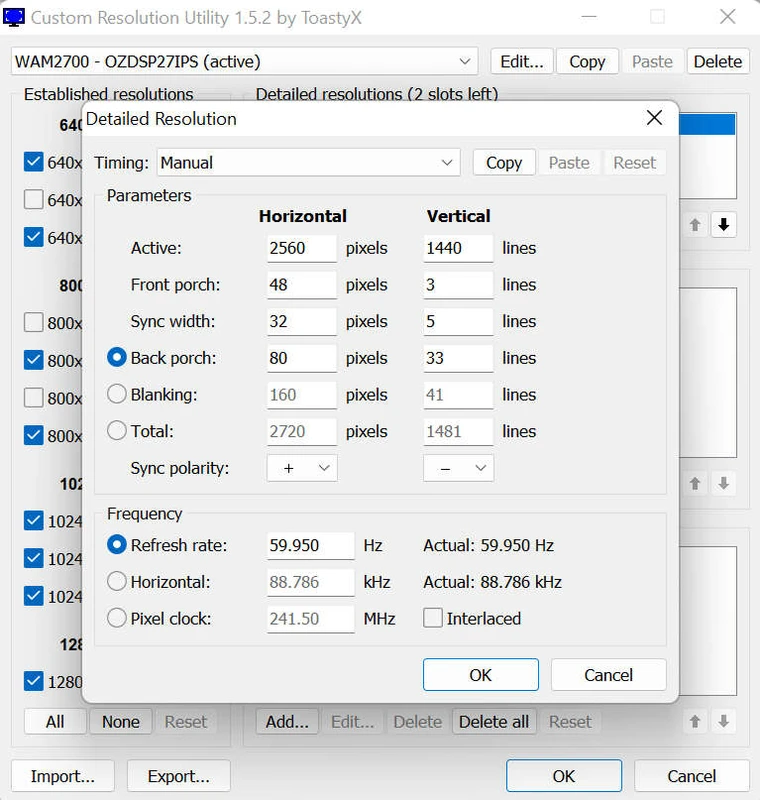
Custom Resolution Utility (CRU) is a powerful free tool for Windows that allows you to manually set non-standard screen resolutions, control monitor refresh rates, and change EDID data (extended display identifiers). The program is especially sought after by gamers, owners of ultra-wide monitors, and users looking to improve display quality.
✅ Custom Resolution Utility features
CRU provides advanced control over display settings that goes beyond the standard Windows settings. Here are the main features:
- 🔧 Create custom resolutions: Ability to set a non-standard screen resolution not supported by default.
- 🌀 Change refresh rate: Adjust the monitor's refresh rate (e.g. from 60Hz to 75Hz), useful for gaming and multimedia.
- 🖼️ Multi-Monitor Support: Ability to edit settings for individual displays, including HDMI, DVI and DisplayPort.
- 🧠 S afe EDID handling: The program makes changes without corrupting system files and drivers.
- 📂 Export and import configurations : Convenient for backing up and transferring configurations to other devices.
💻 Supported Windows versions
CRU is compatible with most modern operating system versions:
- Windows 11
- Windows 10 (including 64-bit and 32-bit)
- Windows 8.1
- Windows 7
Supported graphics cards from AMD, NVIDIA and Intel with appropriate drivers.
⚠️ Important to know
CRU does not change the physical characteristics of the monitor, but works at the driver level, so display problems may occur if not properly configured. It is recommended to back up your settings and use the utility with an understanding of the possible risks.
🏁 Conclusion
Custom Resolution Utility (CRU) is a reliable tool for advanced display customization on Windows. It allows you to expand the capabilities of your monitor, get a smoother image and achieve the desired resolution. With the right approach, CRU becomes a powerful ally in your everyday work and gaming environment.