





















Introduction
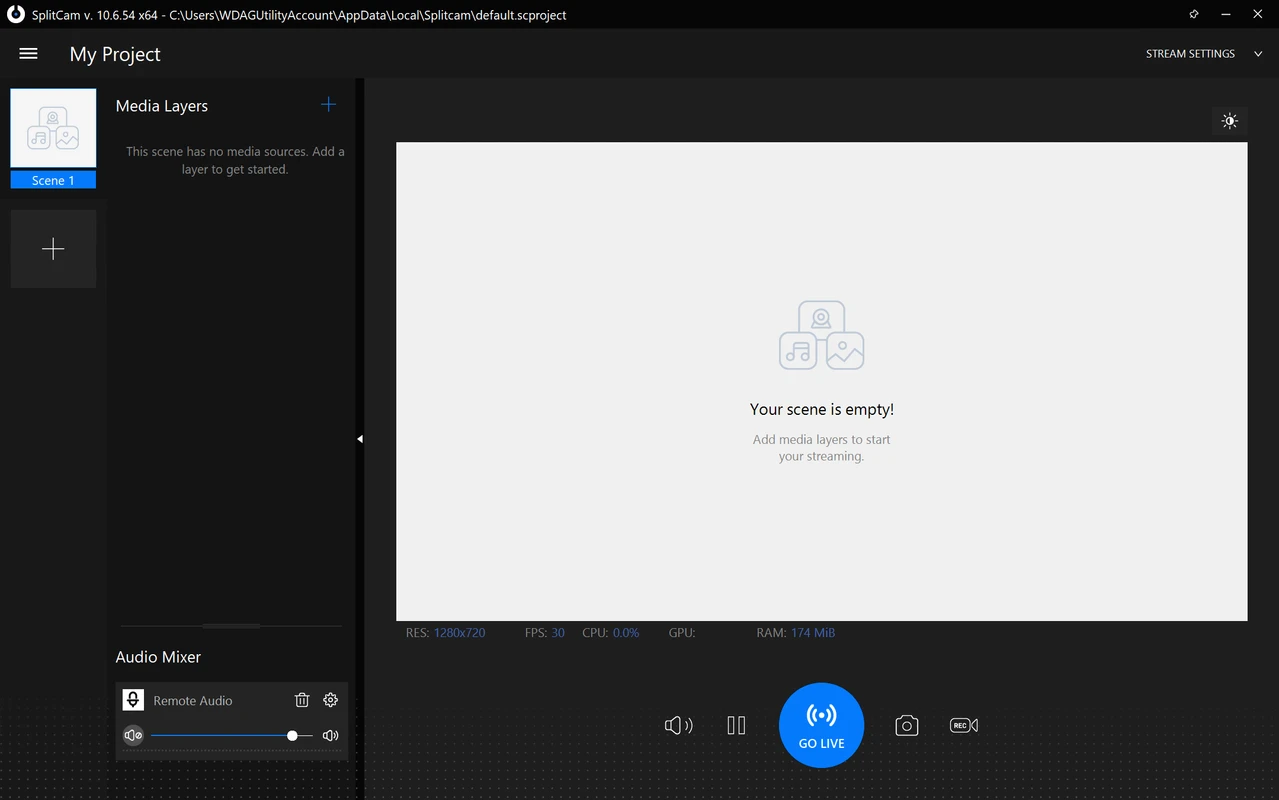
SplitCam is a feature-rich Windows program that allows you to use a single webcam in multiple applications simultaneously. In addition, it offers advanced streaming features, visual effects, and support for popular streaming platforms. Thanks to its versatility, SplitCam has become a great choice for both video bloggers and professional users.
🔑 Main features of SplitCam
The program offers users an extensive set of tools for working with video:
- 📺 Virtual Webcam: The ability to transfer images from one camera to several applications simultaneously (Zoom, Skype, OBS, etc.).
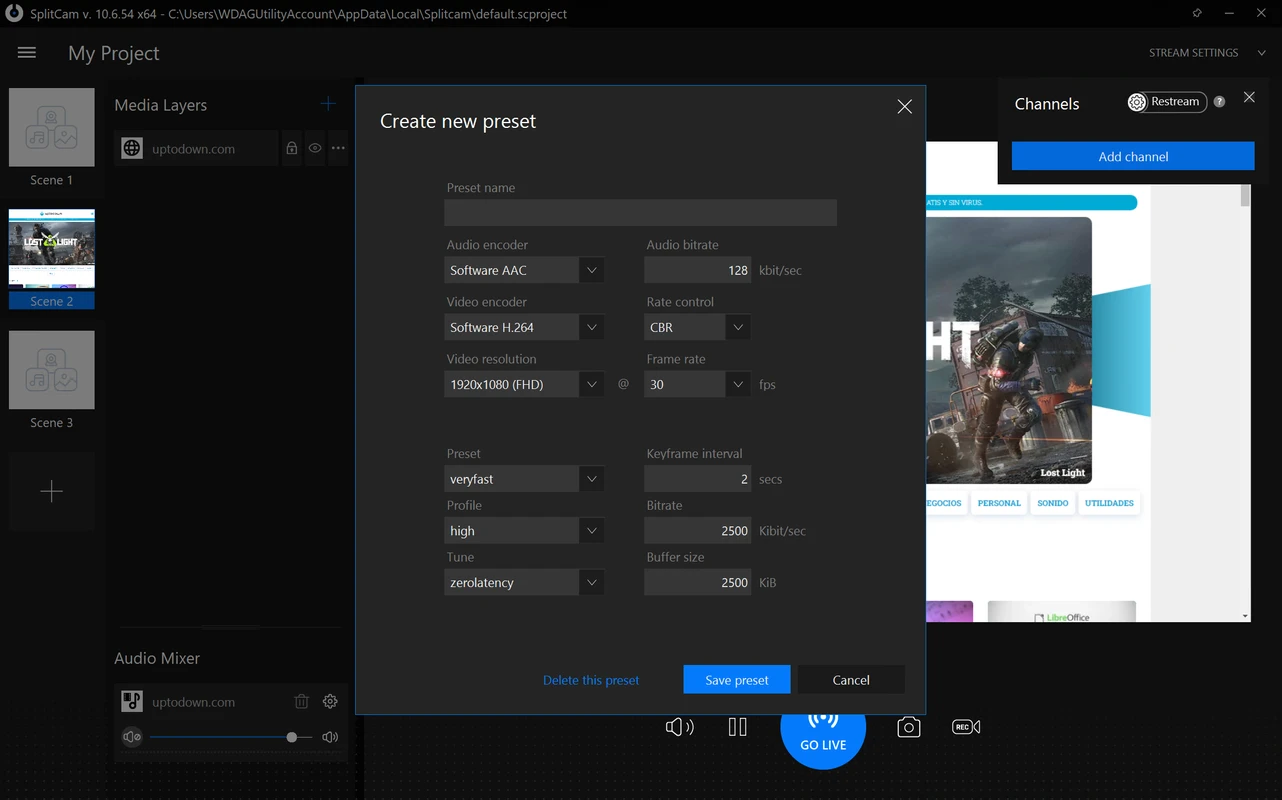
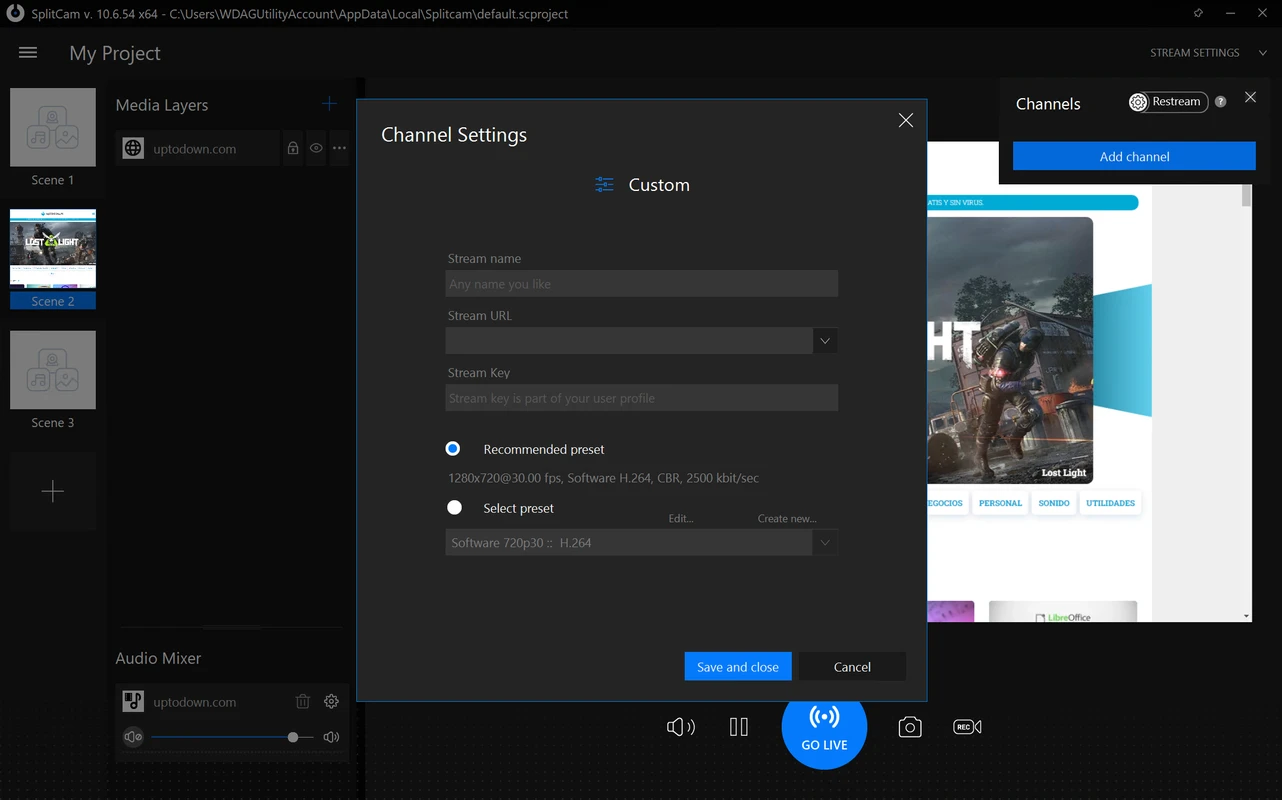
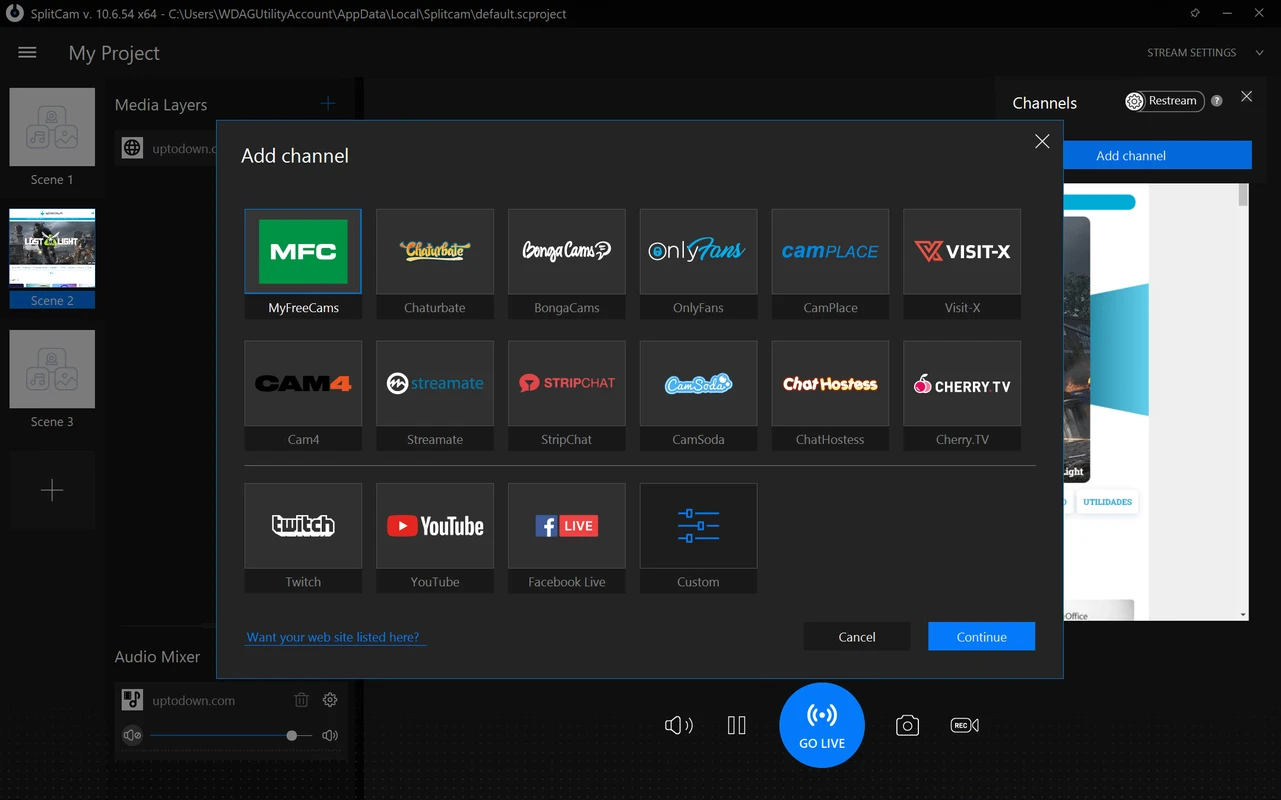
- 🎞 Streaming support: Connect to YouTube, Twitch, Facebook Live and other platforms without third-party software.
- ✨ Visual Effects and Filters: Add animations, masks, lettering and other effects in real time.
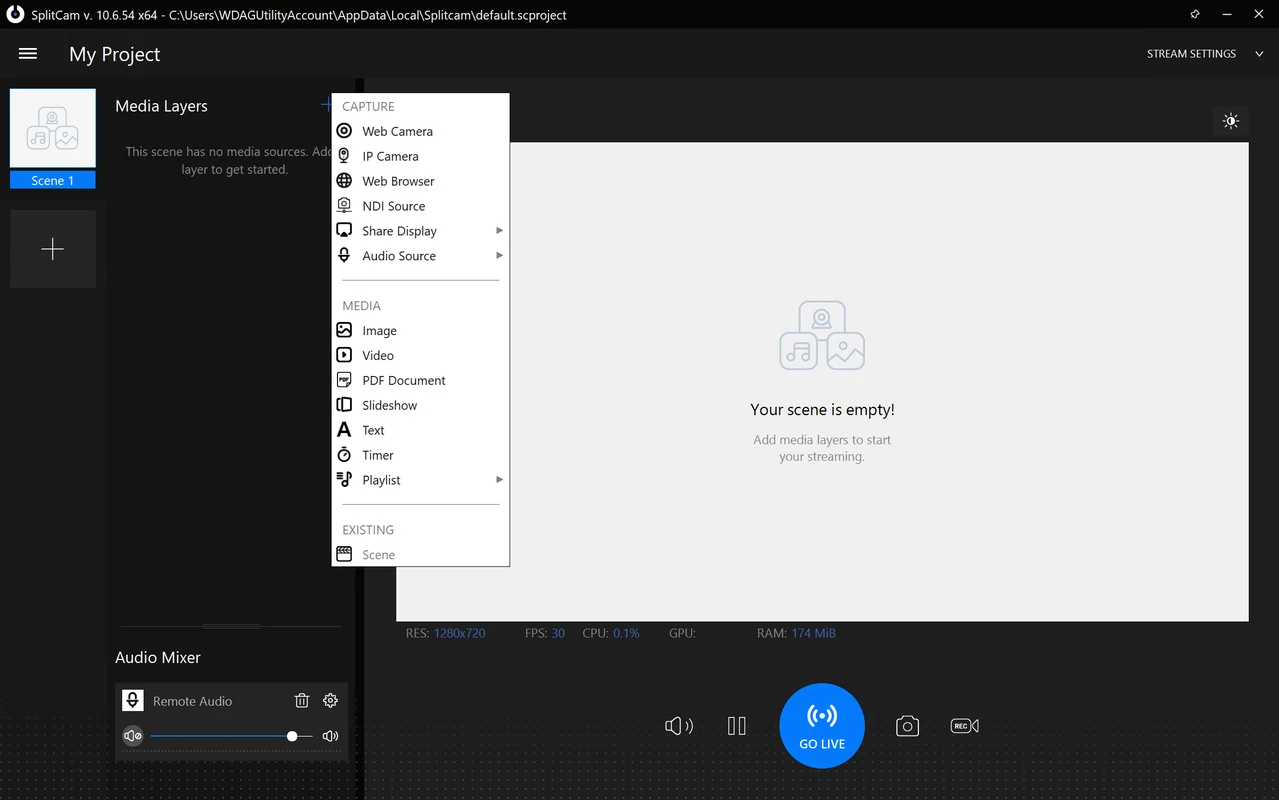
- 🖼 Matching video sources: Capture screen, video players, images, IP cameras, and even games and then output to a single window.
- 🎤 Audio Mixer: Customize sound from different sources (microphone, system sound, etc.).
Windows Version Support
SplitCam is fully compatible with major versions of Windows:
- ✅ Windows 11
- ✅ Windows 10
- ✅ Windows 8.1
- ✅ Windows 7
The program does not require high performance, runs on most modern PCs and laptops.
📌 Benefits of using SplitCam
💡 Intuitive interface - Even a beginner can quickly learn the functions.
🔒 Security and stability - The program does not contain malicious code and does not transfer data to third parties.
🆓 Free distribution - Full functionality is available without purchasing a license.
🏁 Conclusion
SplitCam for Windows is a handy and powerful tool for those who actively use video calling and streaming. The ability to connect a single video stream to several applications, apply effects, and integrate with platforms - all this makes SplitCam a universal solution for working with video on a PC. Thanks to support for various Windows versions and ease of use, the program is suitable for both beginners and advanced users.