





















Introduction
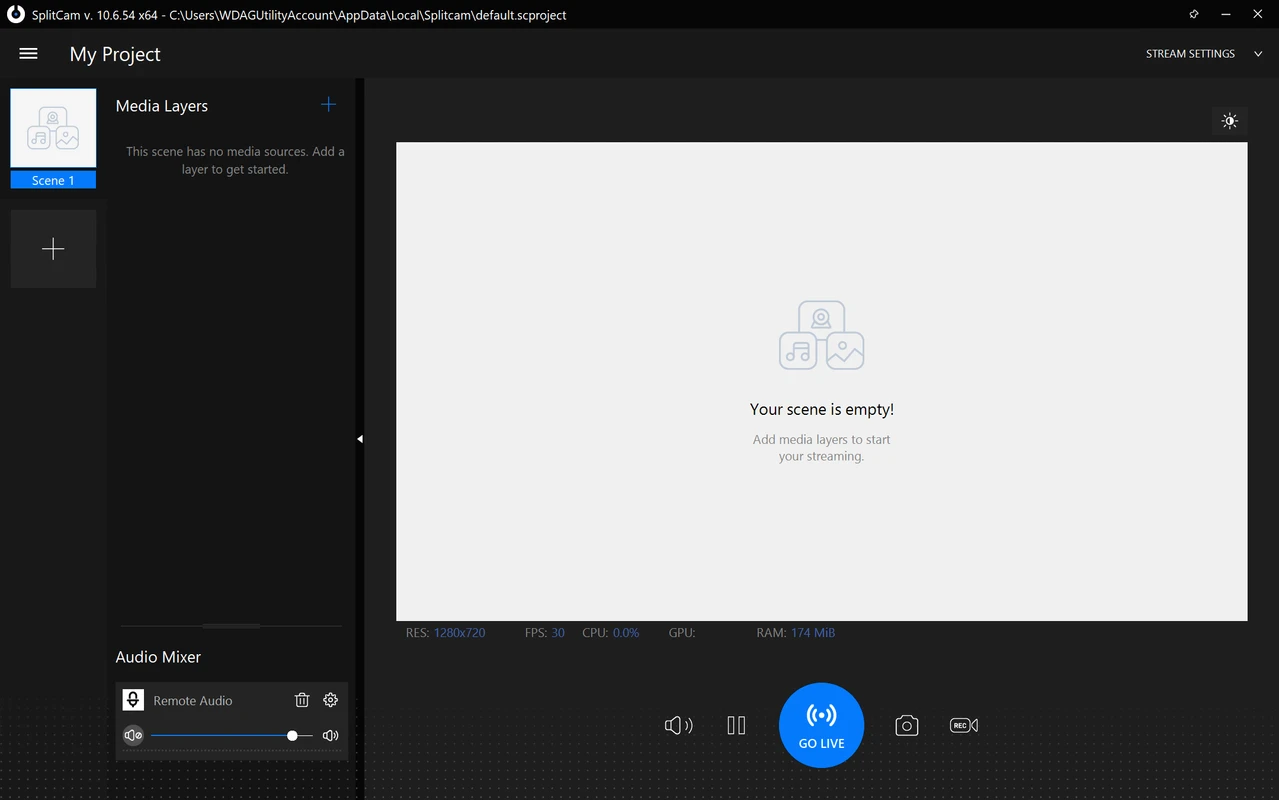
SplitCam for macOS is a powerful software solution that allows you to use a single webcam in multiple applications simultaneously. The program also supports video streaming, adding visual effects, and is compatible with popular video calling and streaming platforms. For Mac users, it is one of the best tools in the virtual webcam category.
🔍 What SplitCam is and why you need it on macOS
Many users face a limitation - one webcam can't be used in multiple applications at once. SplitCam solves this problem by providing:
- 🖥️ Virtual Webcam: Send a single video stream at once to Zoom, Skype, OBS and other applications.
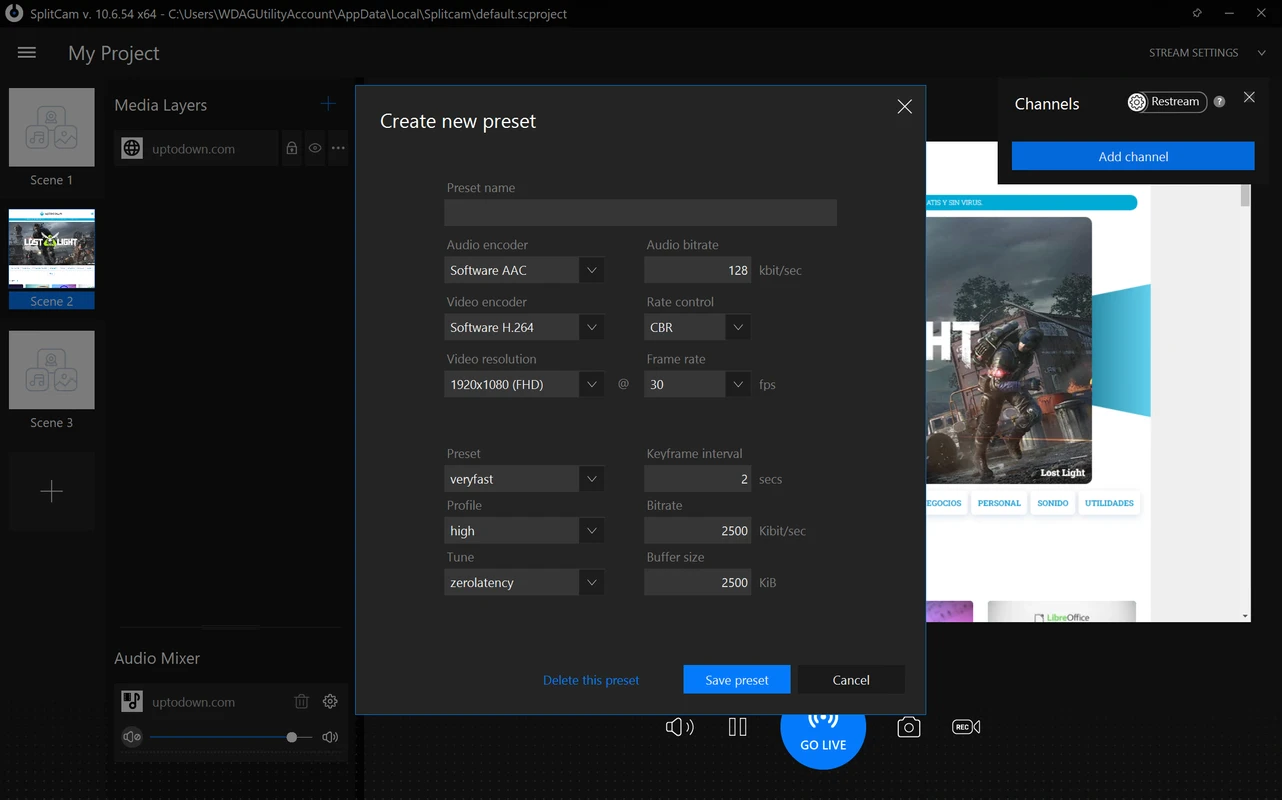
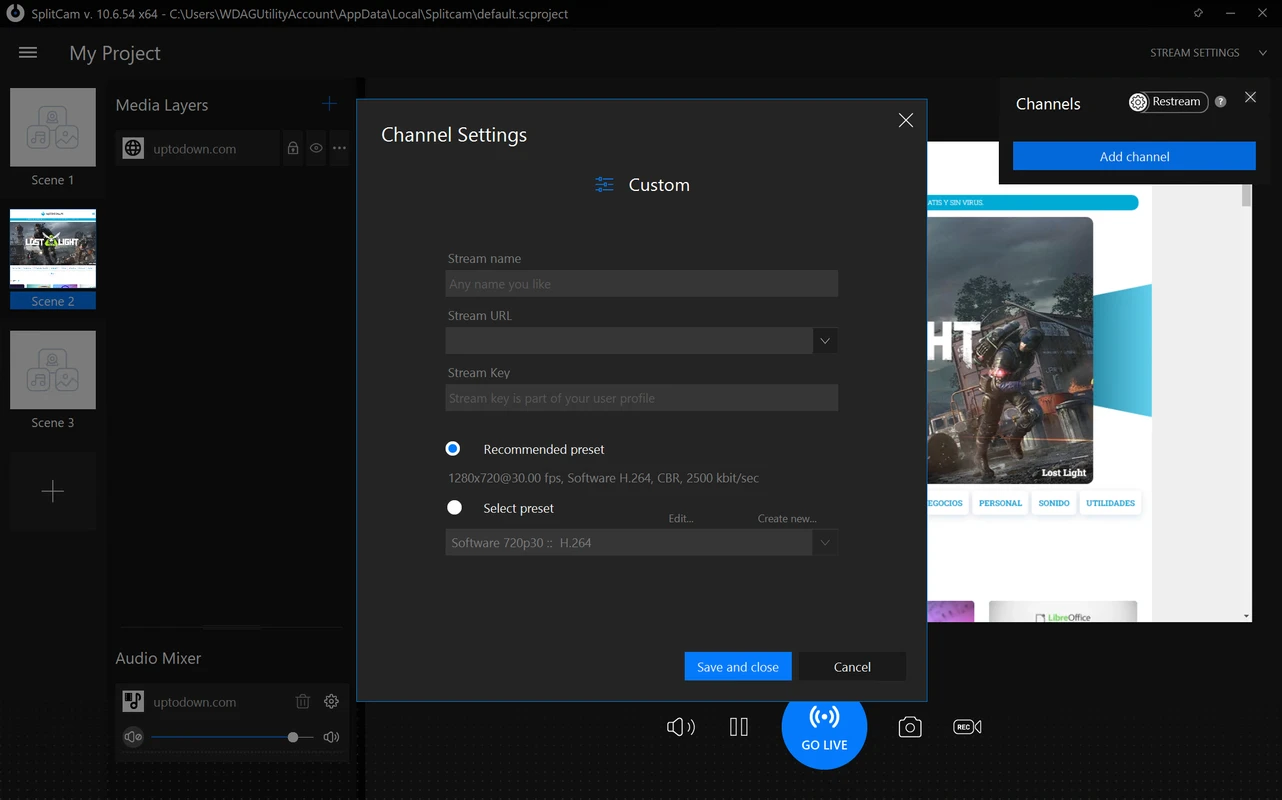
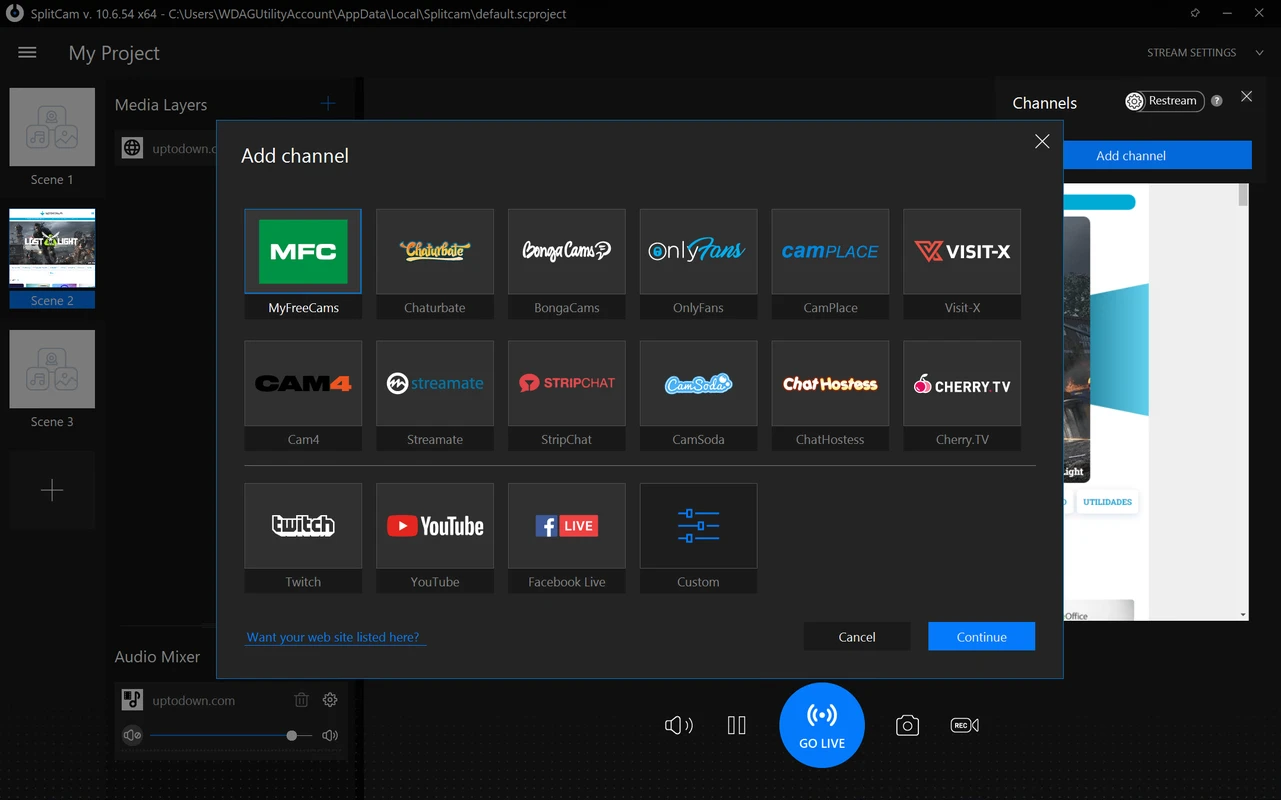
- 📡 Streaming to platforms: YouTube Live, Facebook Live, Twitch and other services are supported out-of-the-box.
- 🎨 Effects and overlays: Masks, captions, watermarks, images can all be added to live video.
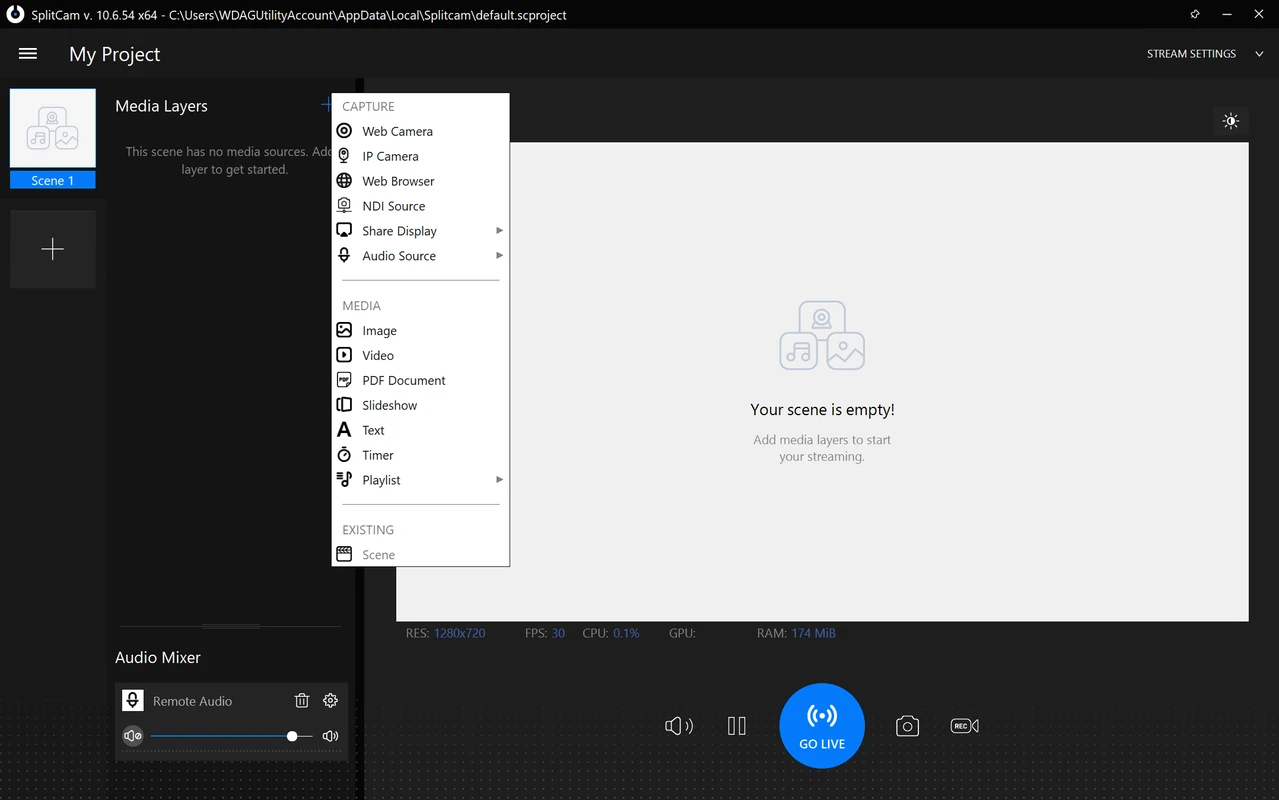
- 📷 Support for different video sources: You can use camera, screen, video players, images and IP cameras.
💻 Compatibility with macOS
SplitCam is available for the following macOS versions:
- ✅ macOS Ventura
- ✅ macOS Monterey
- ✅ macOS Big Sur
- ✅ macOS Catalina
The program works stably on Apple devices including MacBook, iMac, and Mac Studio.
⚙️ Main Features of SplitCam on Mac
🔁 Multiple camera use - Use one camera in multiple apps without disconnecting.
🎥 Screen and video source capture - Perfect for online presentations, webinars and streaming.
🔊 Audio Control - Combine microphone, system audio and third-party audio devices.
💬 Messenger compatibility - Support for Zoom, Microsoft Teams, Skype, Discord and more.
🏁 Conclusion
If you're looking for a virtual webcam for macOS that combines convenience, powerful features and free usage - SplitCam will be a great choice. The program perfectly copes with both professional streaming tasks and everyday video chatting. The installation is easy, the interface is clear, and the features are impressive.