




















はじめに
DS4Windows は、PlayStation の DualShock 4 コントローラーを統合することで、Windows でのゲーム体験を向上させるために設計されたアプリケーションです。この記事では、DS4Windows がサポートする特定の Windows バージョンについて見ていき、ゲーマーにとって必須のツールである機能を掘り下げていきます。
Windowsとの互換性
DS4Windowsは、以下を含む(ただし必ずしもこれらに限定されない)さまざまなWindowsバージョンとの互換性を提供します:
- Windows 11
- Windows 10
- Windows 8
- Windows 8.1
- Windows 7
Windows
- デュアルショック 4 統合: Windows PC上でデュアルショック・コントローラを使用できるようにすることで、PlayStation®とWindowsゲームのギャップを埋めました。
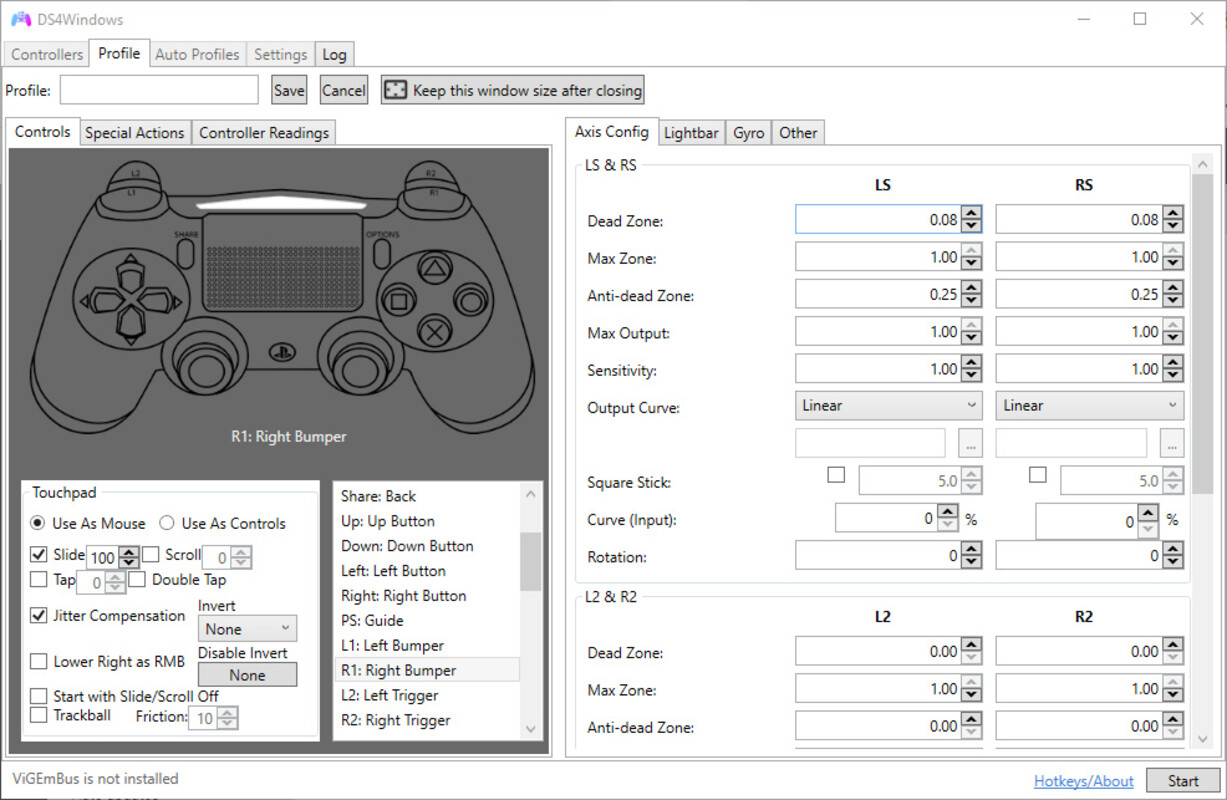
- User Mapping(ユーザーマッピング): ゲームコントロールを自分好みにカスタマイズできます。
- タッチパッド機能:DUALSHOCK 4のタッチパッドの可能性を最大限に引き出します。DS4Windows brings touchpad functionality to Windows, allowing users to copy mouse input, opening up new possibilities for gaming and navigation.
- Profile Management: DS4Windows allows users to create different controller profiles and switch between them, ensuring the controller is optimised for different gaming scenarios.
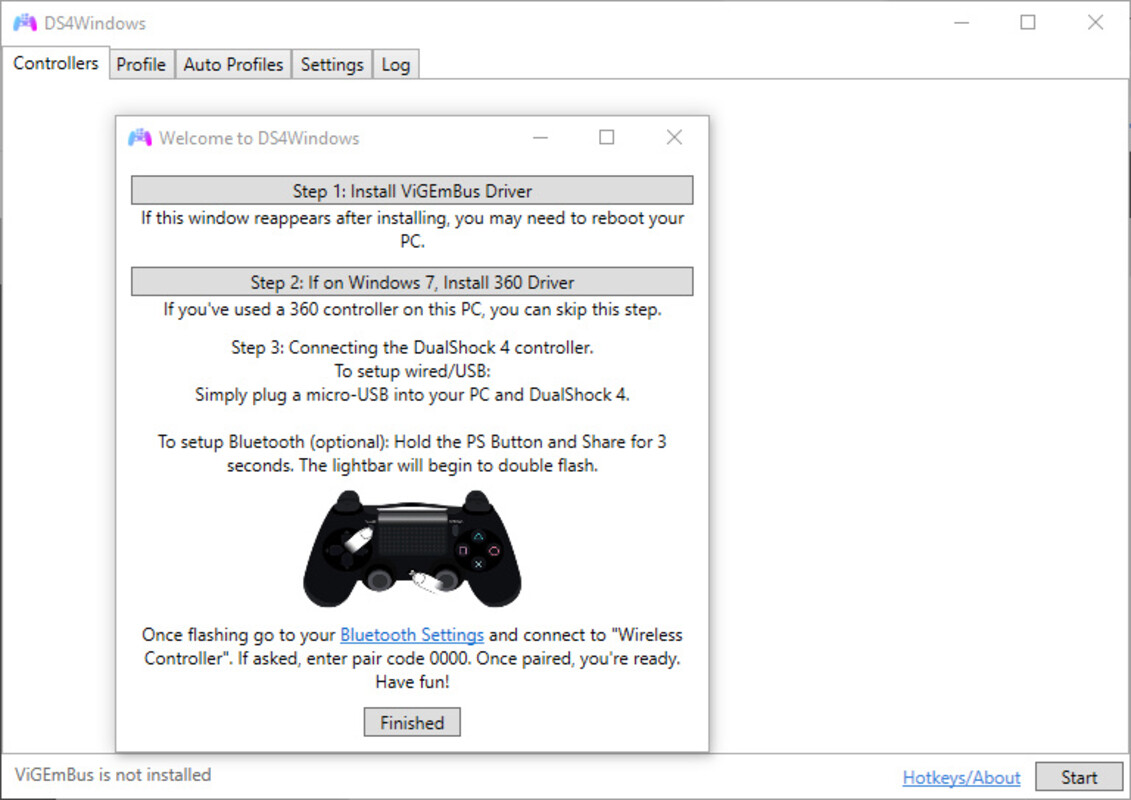
- Bluetooth connectivity: Supports Bluetooth connectivity, providing a wireless gaming experience for those who prefer to play without being tethered to a computer.
Whether you're a Windows 7 devotee or have upgraded to the latest Windows, DS4Windows seamlessly integrates the DualShock 4 controller into your gaming system.
結論
DS4Windows for Windows は、PlayStation® ゲームと Windows プラットフォームのギャップを埋める、多目的なアプリケーションです。Windows のすべてのバージョンとの幅広い互換性と、カスタマイズ可能なさまざまな機能により、スムーズに動作するだけでなく、ユーザーの好みに合わせることができます。